>
speak.transcribe.
keep flow.
Open-source Rust speech-to-text for GNOME/Wayland.
Native IBus integration, global shortcut dictation, and local model choices.
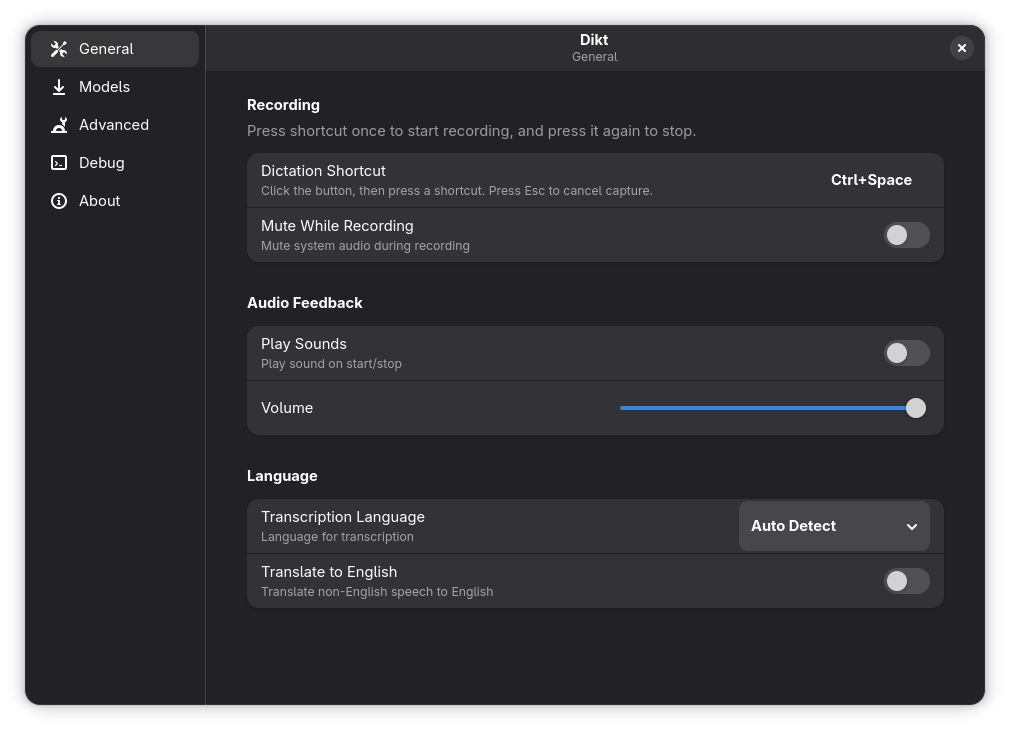
Experimental features can enable live preview during active dictation sessions.
Built for GNOME dictation
Configurable Shortcut Toggle
Press once to start dictation. Press again to stop and commit text.
Local Model Inference
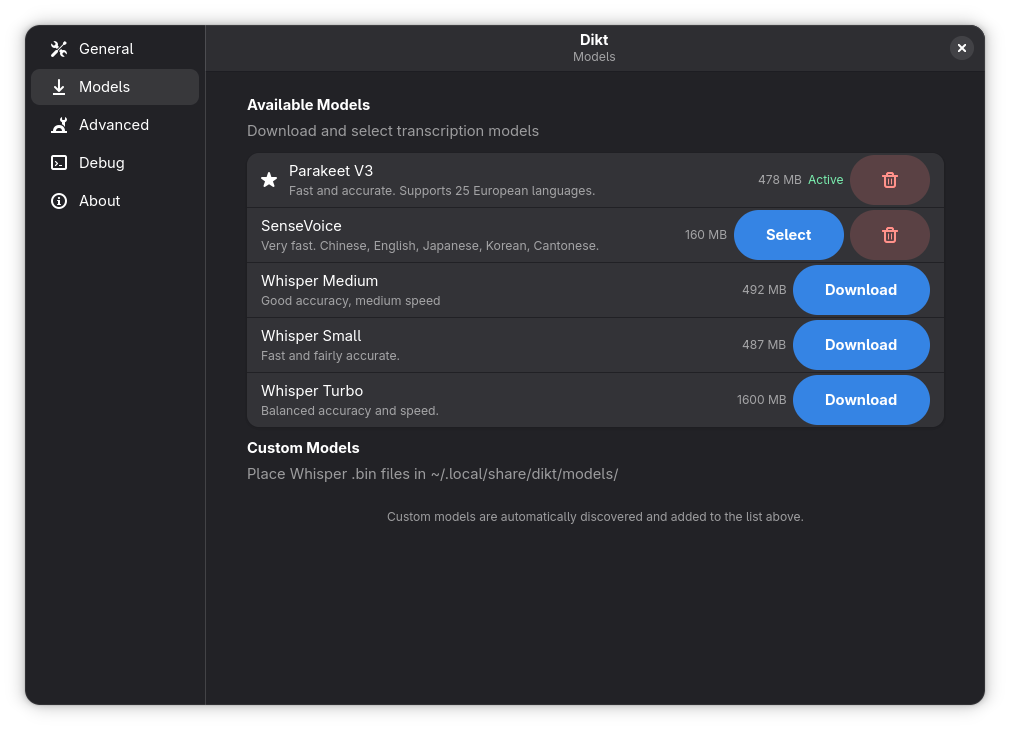
Whisper, Parakeet, and SenseVoice models run locally for speech-to-text.
Experimental Live Preview
Optional beta mode shows a live preedit preview while recording.
Optional AI Cleanup
Coming soonPost-process transcripts with providers like OpenAI, Anthropic, Groq, and more.
Three steps. Dictating.
Install
Install ibus-dikt from the RPM repository.
Configure
Pick your model and set your dictation shortcut.
Dictate
Press shortcut to start, press again to commit text.
Choose your engine
Real Dikt model manager UI from the current build.
Install and start dictating
Dikt currently ships as an RPM package for GNOME/Wayland systems.
DEB support is in progress, with broader GNOME/Wayland distro support planned.
$ sudo dnf config-manager addrepo --from-repofile=https://rohithmahesh3.github.io/dikt-rpm/dikt.repo$ sudo dnf makecache$ sudo dnf install ibus-diktUpdates via sudo dnf upgrade